What the app actually does.
Twelve things. Everything below is in the iPhone app now.
It owns the program.
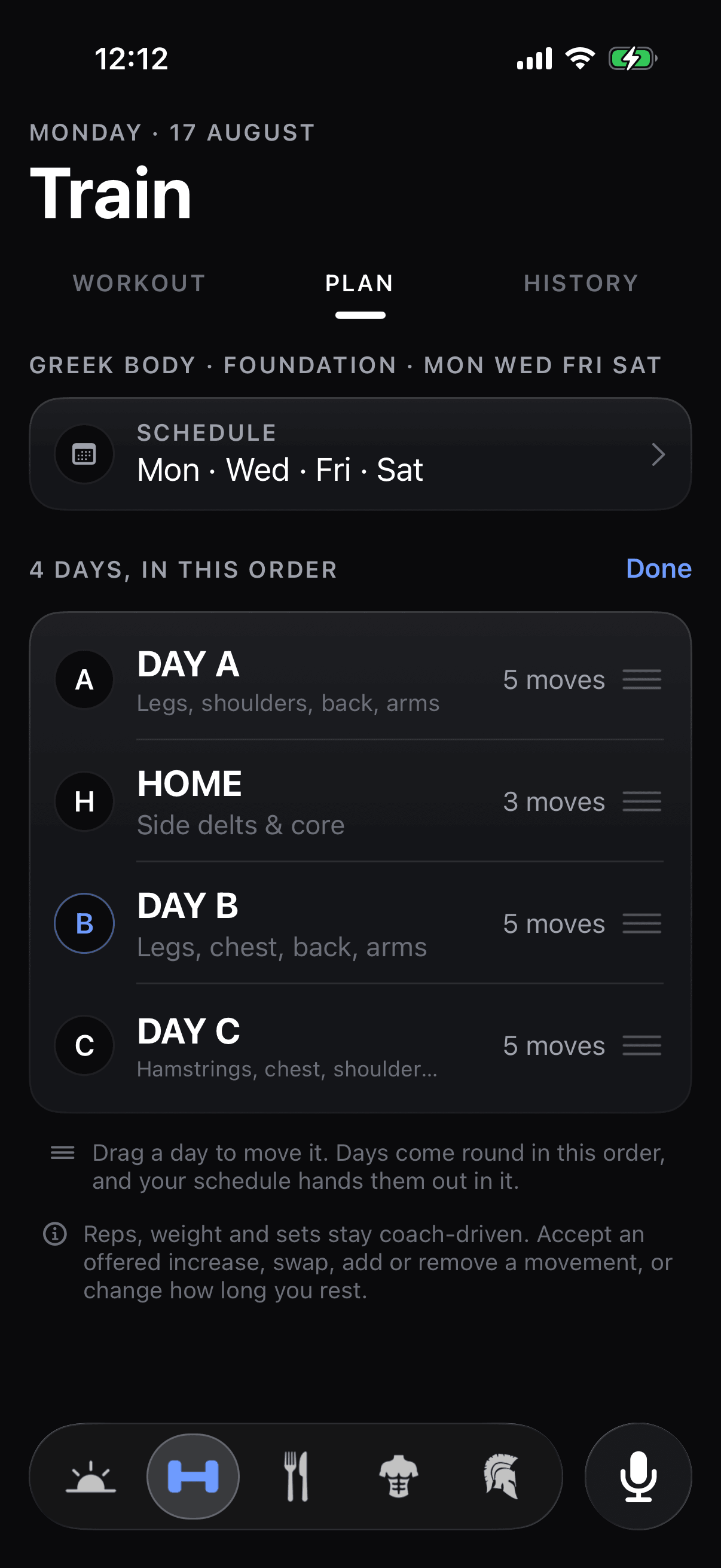
Day A, Day B, Day C to start. The movements, the rep ranges and the weight on the bar are set before you arrive.
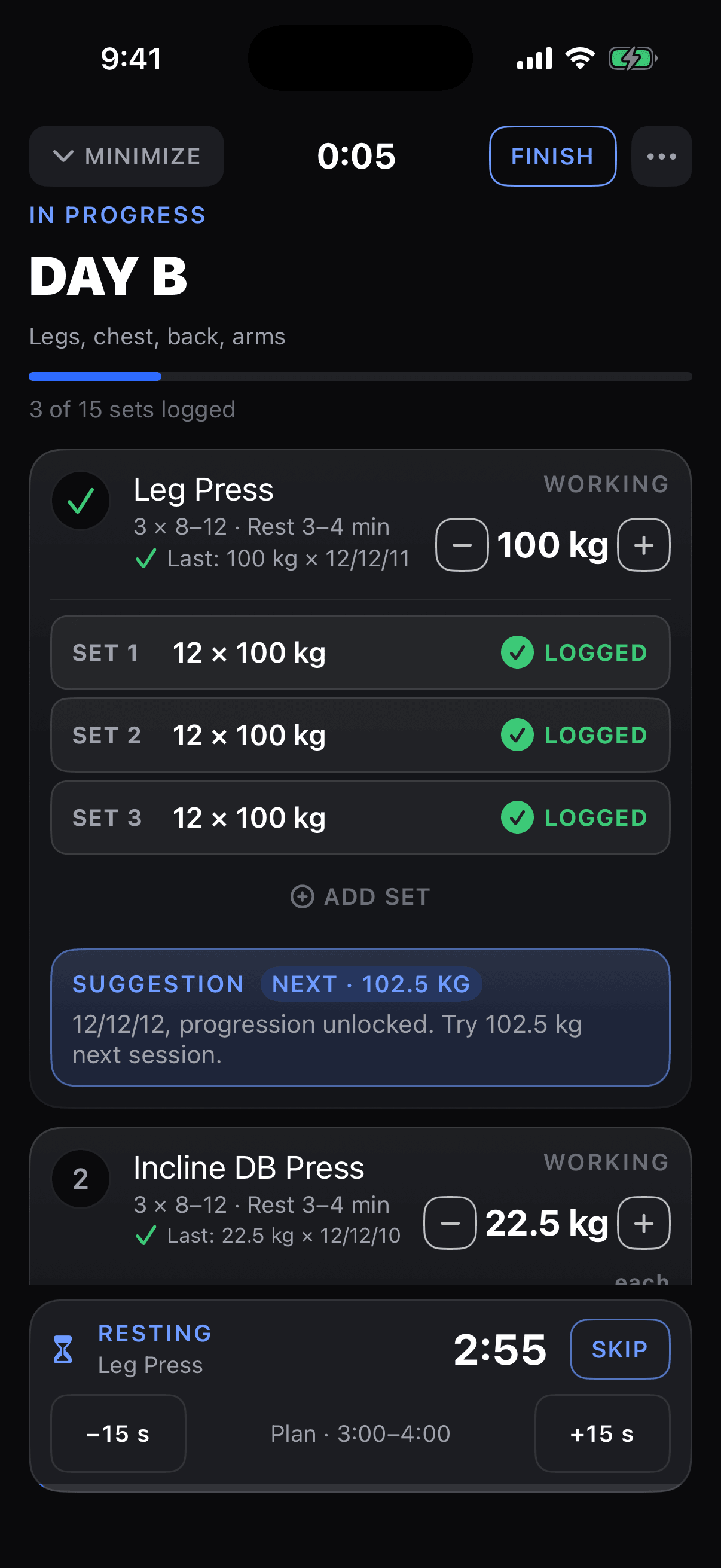
Progression is double progression. Add reps inside the range; when every set reaches the top, the load goes up. It adopts what you actually lifted, not what was planned, and it holds the weight until you hit the target: 12, 12, 12. The plan is yours to edit in place. Swap a movement, add one, reorder the day.
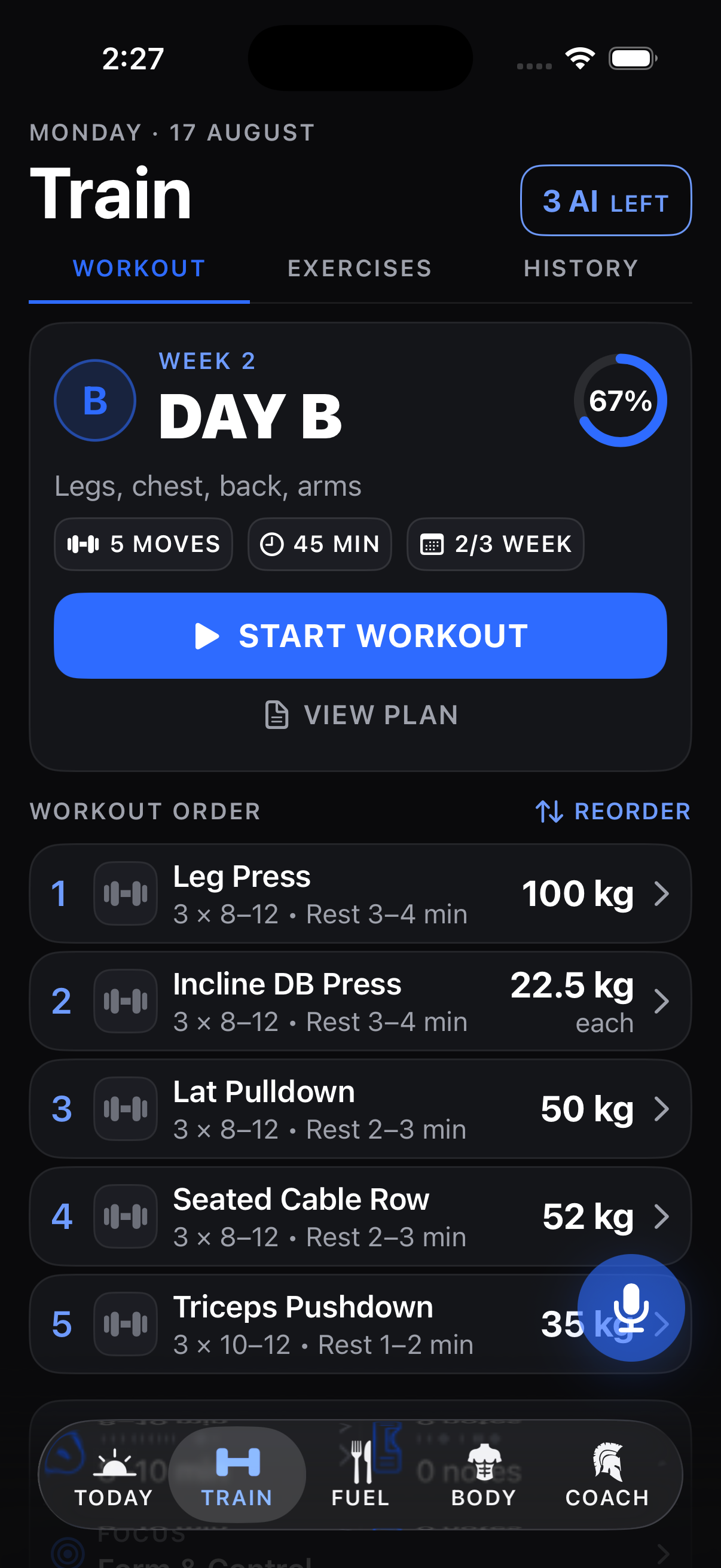
Pick the days you go.
Mon · Wed · Fri · Sat. Pick the weekdays and your days land on them, in order. Pick none and it is any day, in turn.
Add a day and it becomes Day D, or give it a name. Home is a day like the others, in the rotation and in the week’s count. Reorder drags the days into the order they come round: the day after the one you last finished is next. Skip a Monday and its day moves to Wednesday. Nothing is lost. The same sheet sits in Settings.
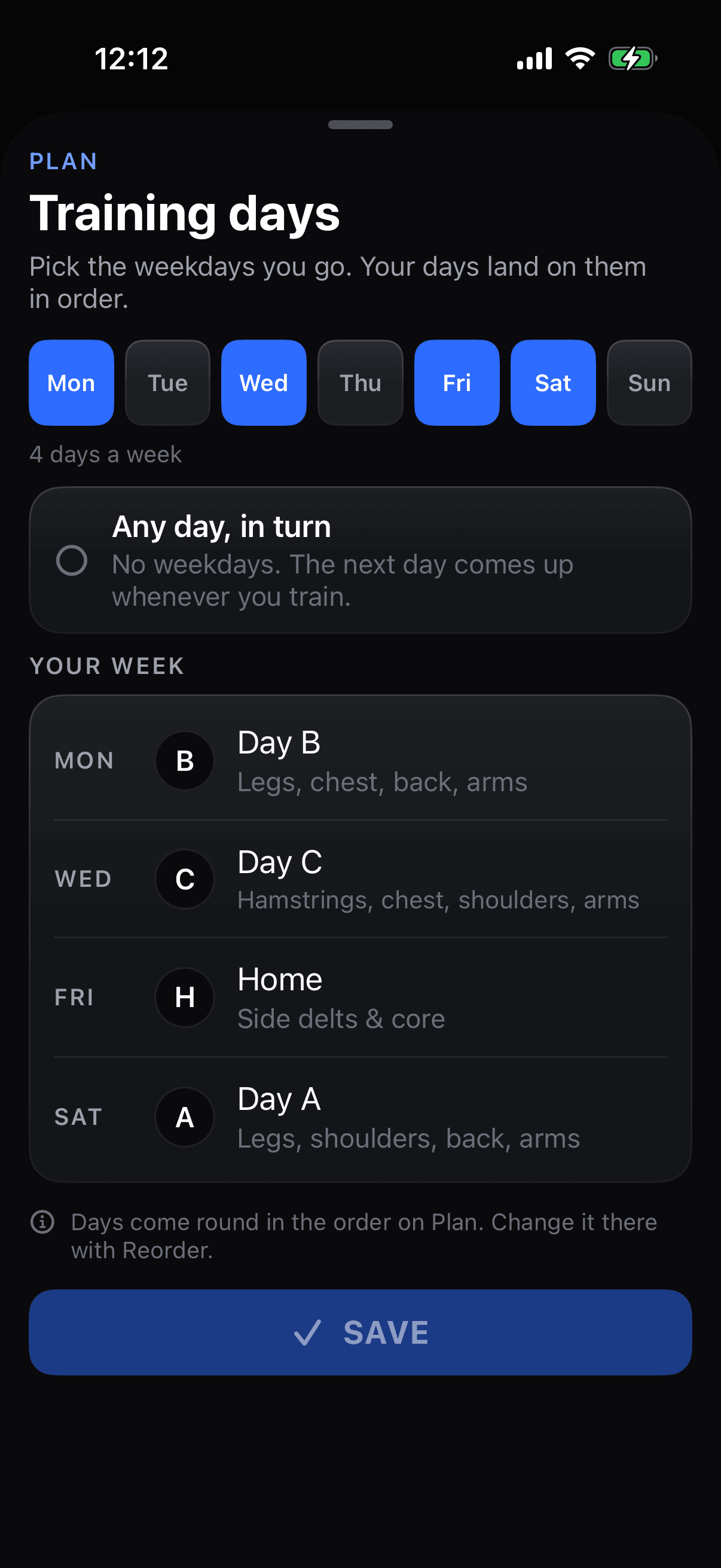
Today changes. The program stays.
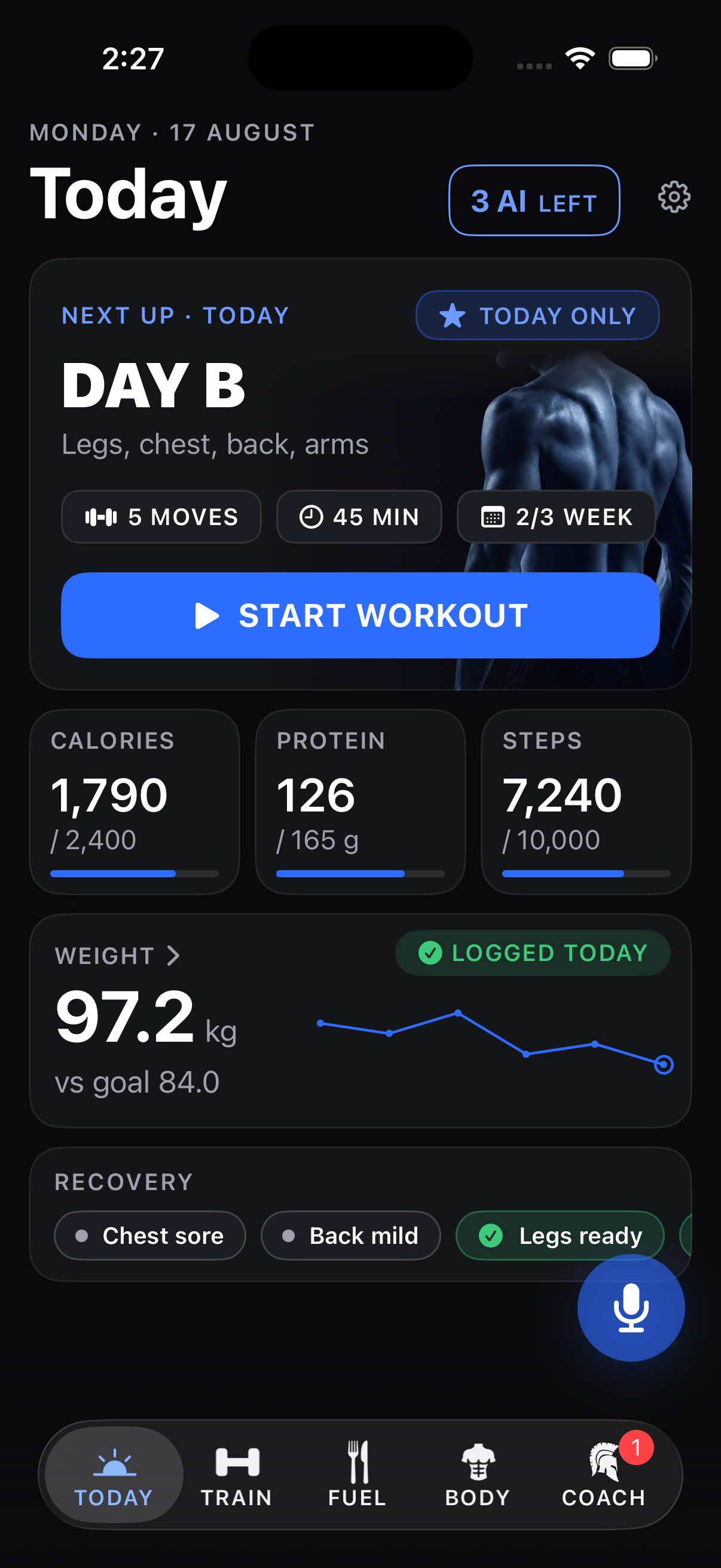
One screen says what today is: the session, the numbers, the reminders, the weight.
Energy and soreness before the session write a today-only override: fewer hard sets, a lighter top set, or a different movement. The override ends with the session. Next week runs the program you were on. Under the workout sit calories, protein and steps against their goals, the day’s reminders and the weight trend.
Tap the set. Lift. Rest.
The working weight is already filled in. Tap the set to log it; drag the ruler when the reps or the load changed.
Reps and weight sit on a drag ruler, in kg or lb. The rest timer runs on the Lock Screen, so the phone stays in your pocket. The Lock Screen card prints the load under the movement, and when a movement is done it names the next one with its load, so the next machine is set before the rest is over. Swipe to clear a set logged by mistake. In a dead spot in the gym the sets wait on the phone and land when the signal returns; nothing is lost. Finish closes the session with a summary; it adopts the load you actually lifted, and the next session opens with it. Share puts the finished workout on your own photo as a sticker, ready for Instagram Stories.
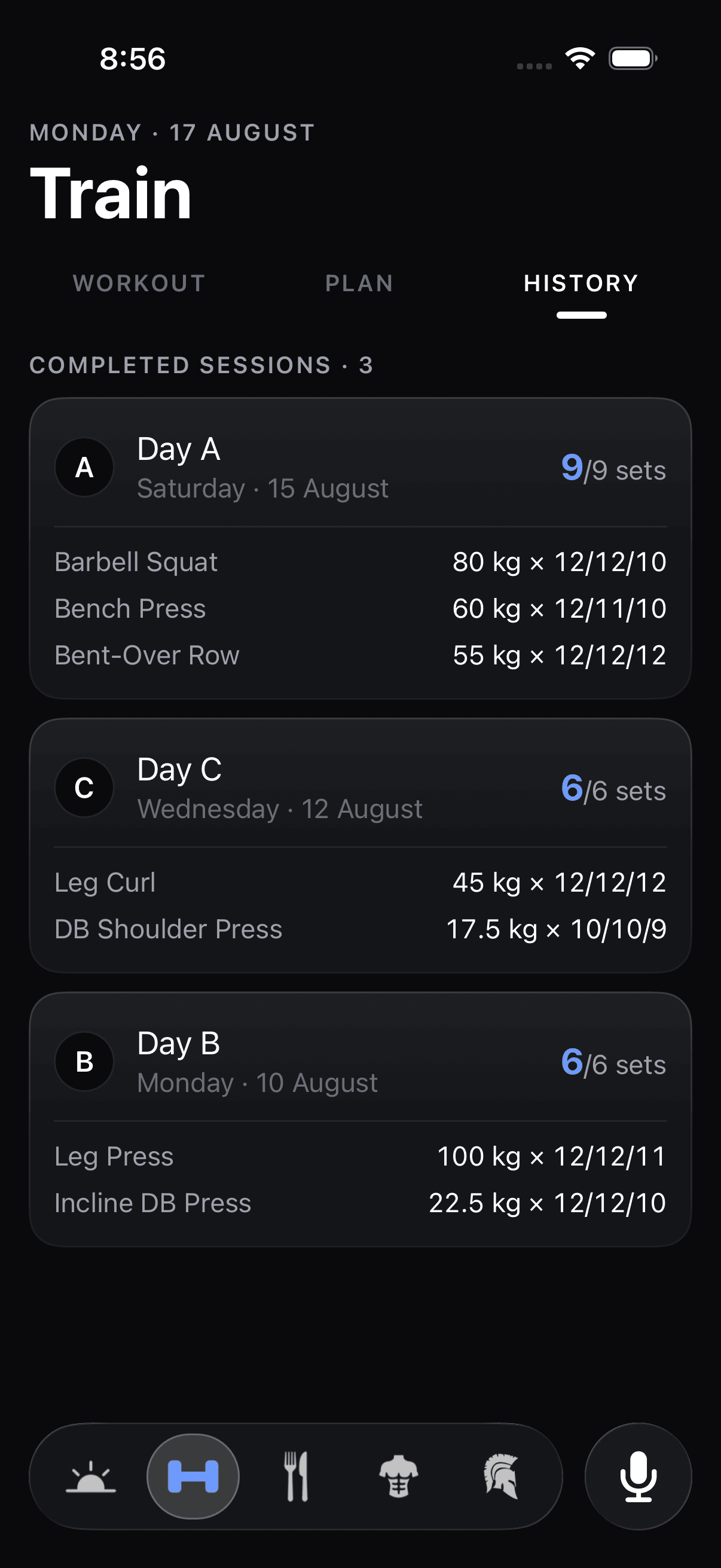
Every session stays on file.
The workout history: every day trained, every movement, every set and the load it was lifted at.
Last Monday is one tab away, with the numbers you actually did. Your log is not a notes app. The muscle map on Train shows what was trained, what is ready and what is still sore.
Steps count.
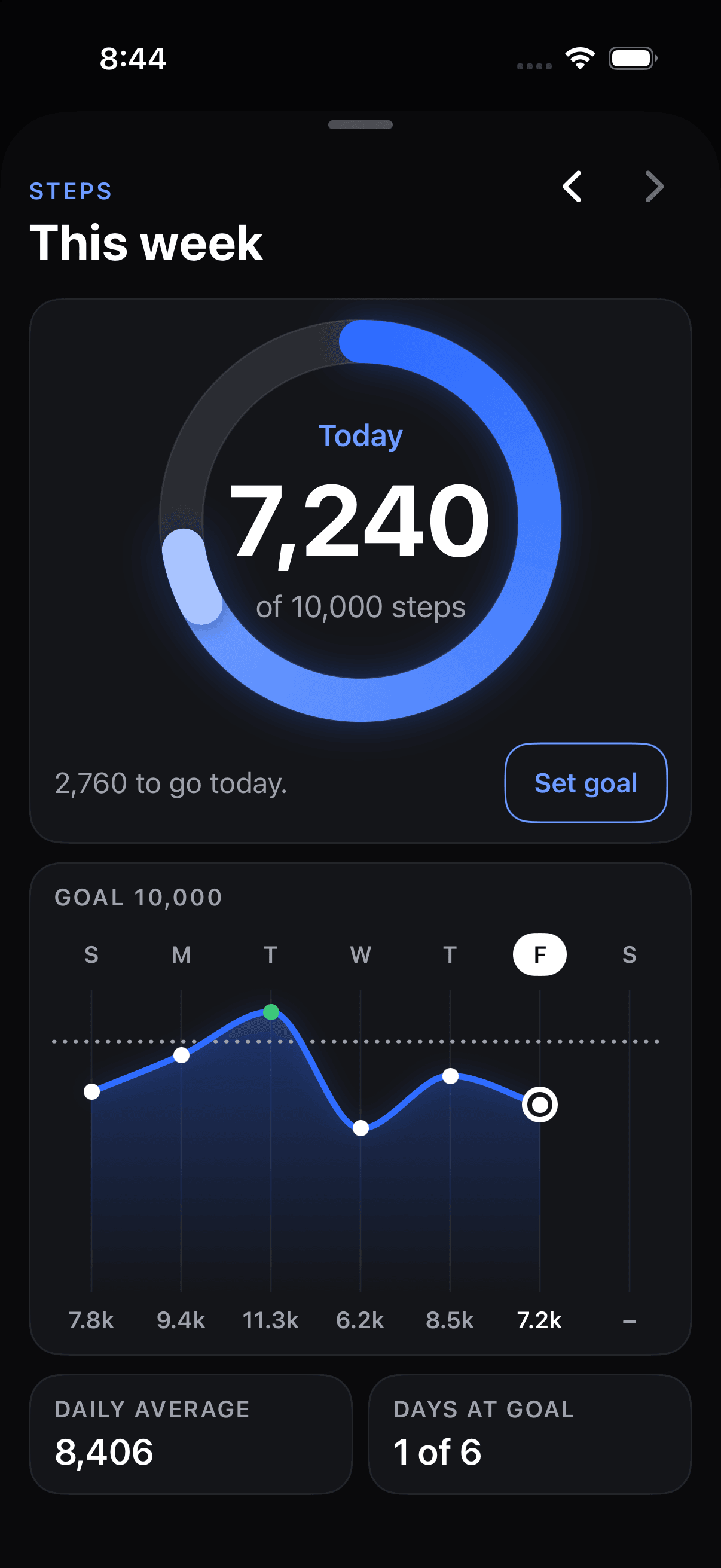
The iPhone’s pedometer keeps the total. A daily goal, a ring on Today, the week in one chart.
Nothing to log. Tap the ring for the week and the goal; past the goal, the ring starts a second lap. Achilles sees the steps with everything else. The count is on the Home Screen and the Lock Screen too, in the steps widget.
The day, without opening the app.
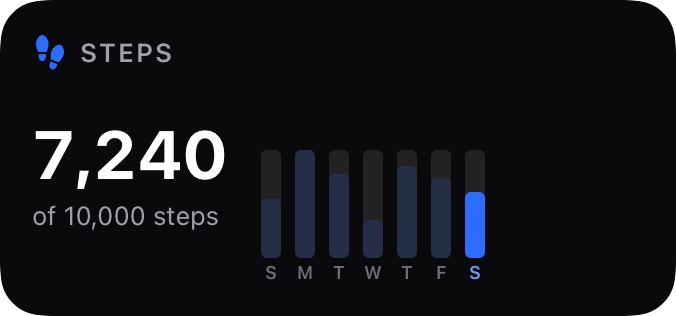
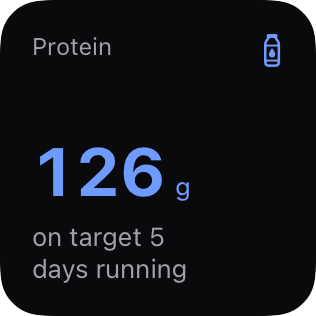
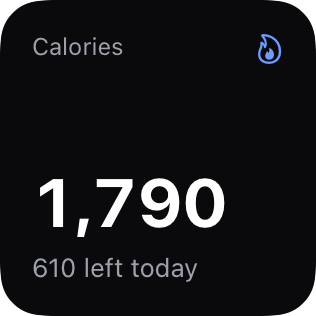
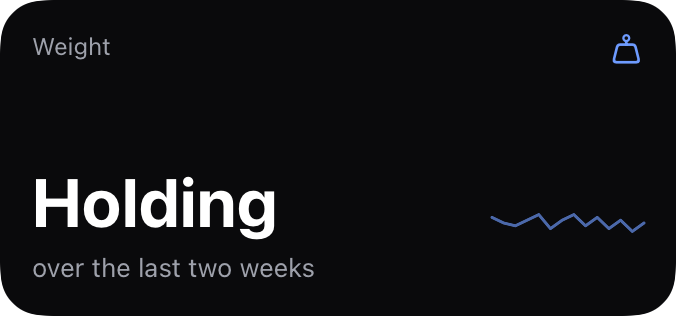
Four widgets: steps, protein, calories and weight. Each is one figure and one plain sentence. “610 left today.” “42 g to go today.”
Small or medium on the Home Screen; the medium adds the week. On the Lock Screen: a ring, a card, or a line above the clock. The steps widget asks the pedometer itself, so the count moves while the phone stays locked. A tap opens the app where the number lives.
Home Screen
Lock Screen

Creatine at eight. Taken.
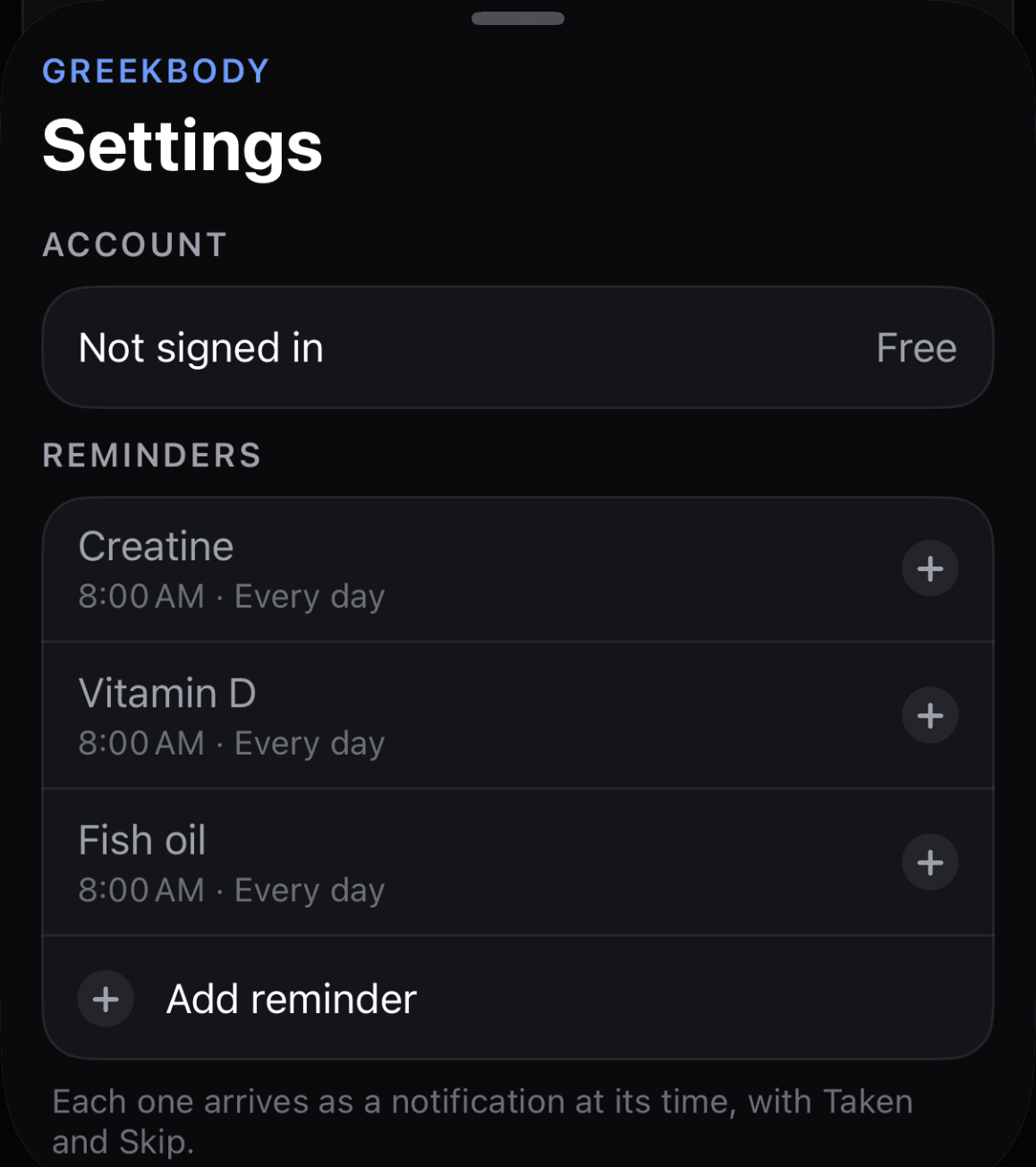
Reminders for what you take every day. Creatine, vitamin D and fish oil are suggested; add your own.
Each reminder has a time and the days it runs. It arrives as a notification with Taken and Skip, sits as a tile on Today, and Achilles sees it. Pills set for the same minute come as one notification, and Taken answers for all of them. Reminders are free.
Your usual, one tap away.
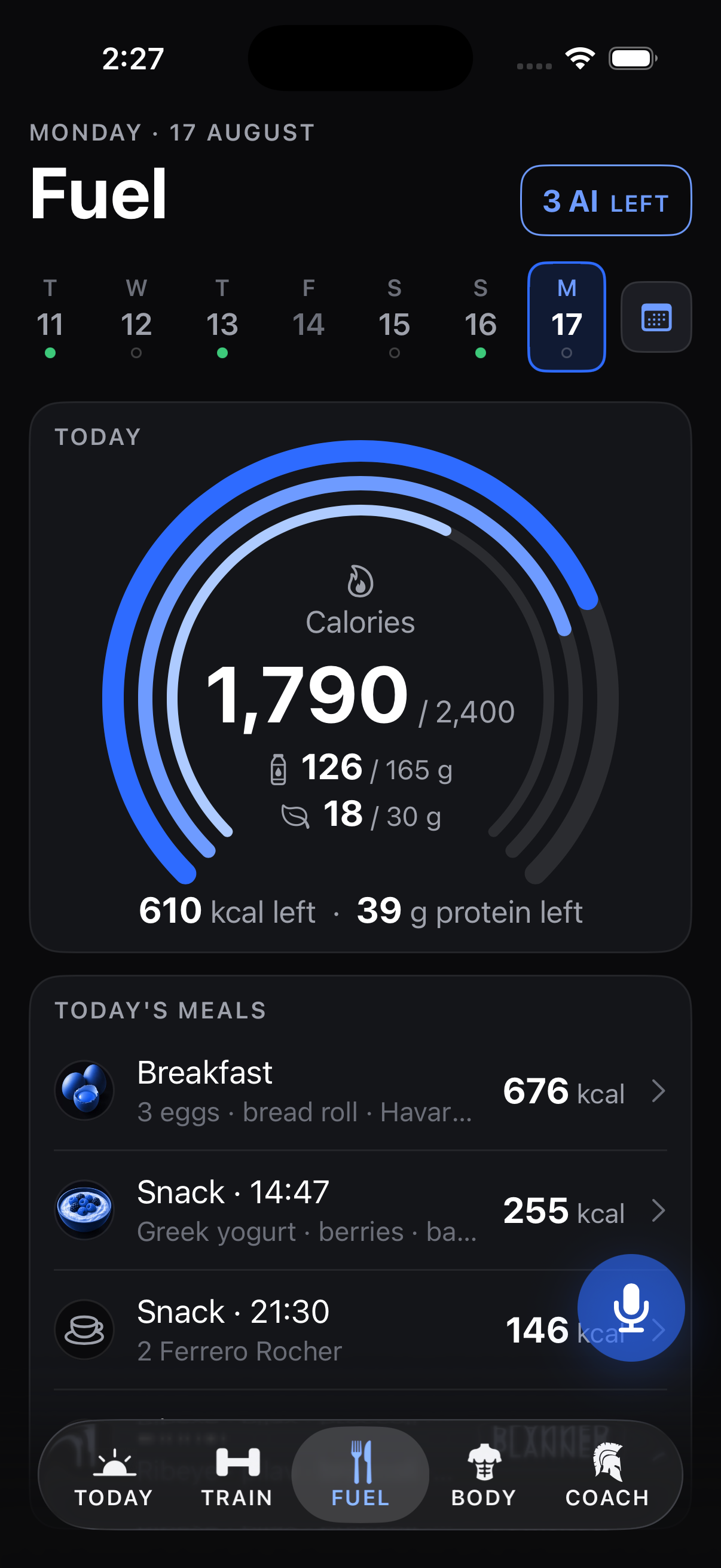
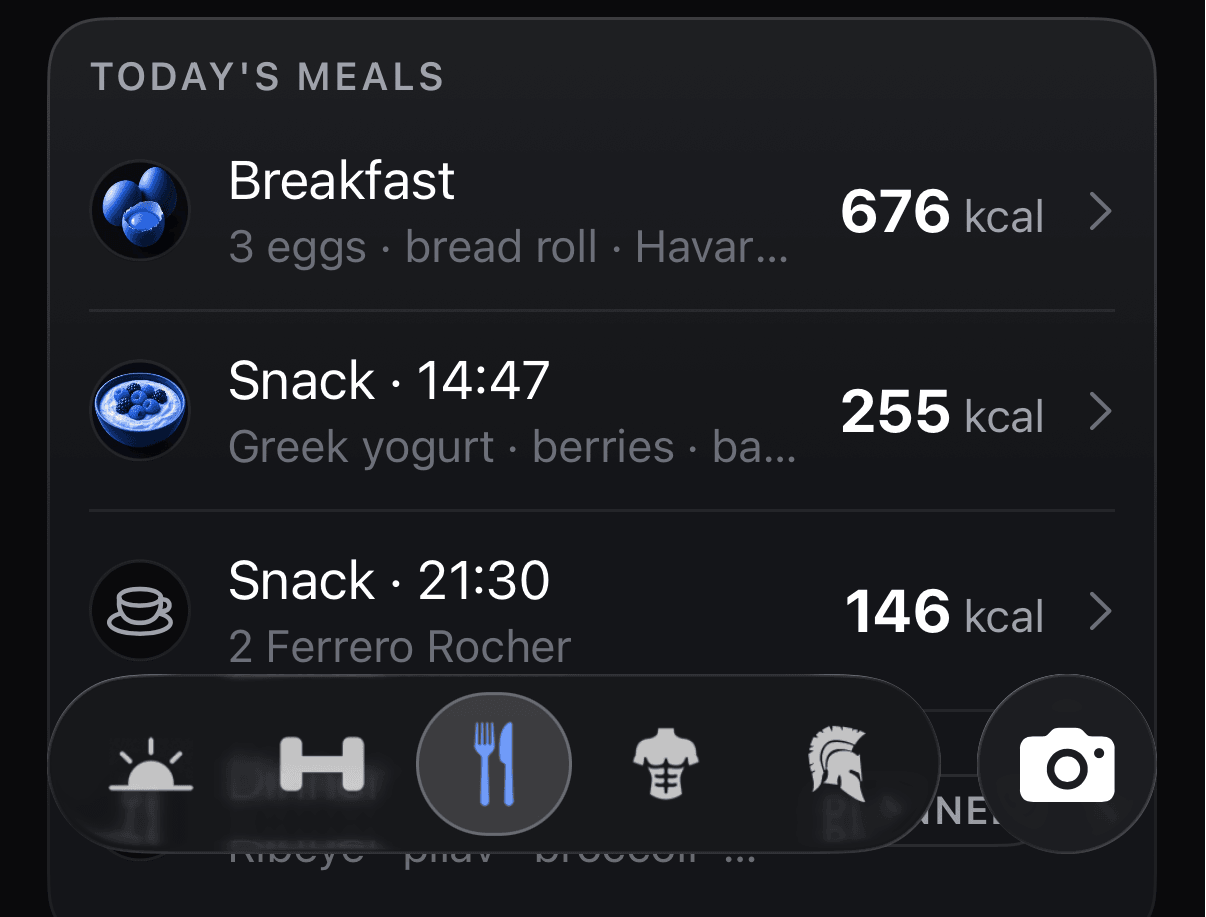
Each meal slot proposes what you normally eat there, from your own record. One tap or a swipe logs it again.
The calorie dial carries protein beside it, with the week in a seven-day strip above. Snacks are ranked by the hour you usually eat them. For the rest: quick add, 12,809 foods from the USDA, saved foods, and recipes built from your pantry. Search forgives one wrong letter: “patato” finds potatoes. Meals sit in the order you ate them. Protein is set per kilo of what you weigh, and the multiplier is yours to change. Food is in grams for everyone, even where body weight and lifts are in pounds. Ask for fat, carbs, sugar or fibre and the breakdown comes back.
A photo is a logged meal.
With Pro, photograph the plate. A vision model sizes each item; Achilles logs the middle of an honest range.
A range, because that is what a photo supports. The entry lands in Fuel like any other meal, and one sentence corrects it when the portion was off. Weighed it? Mark the row and the gram is kept as measured.
Photos that line up.
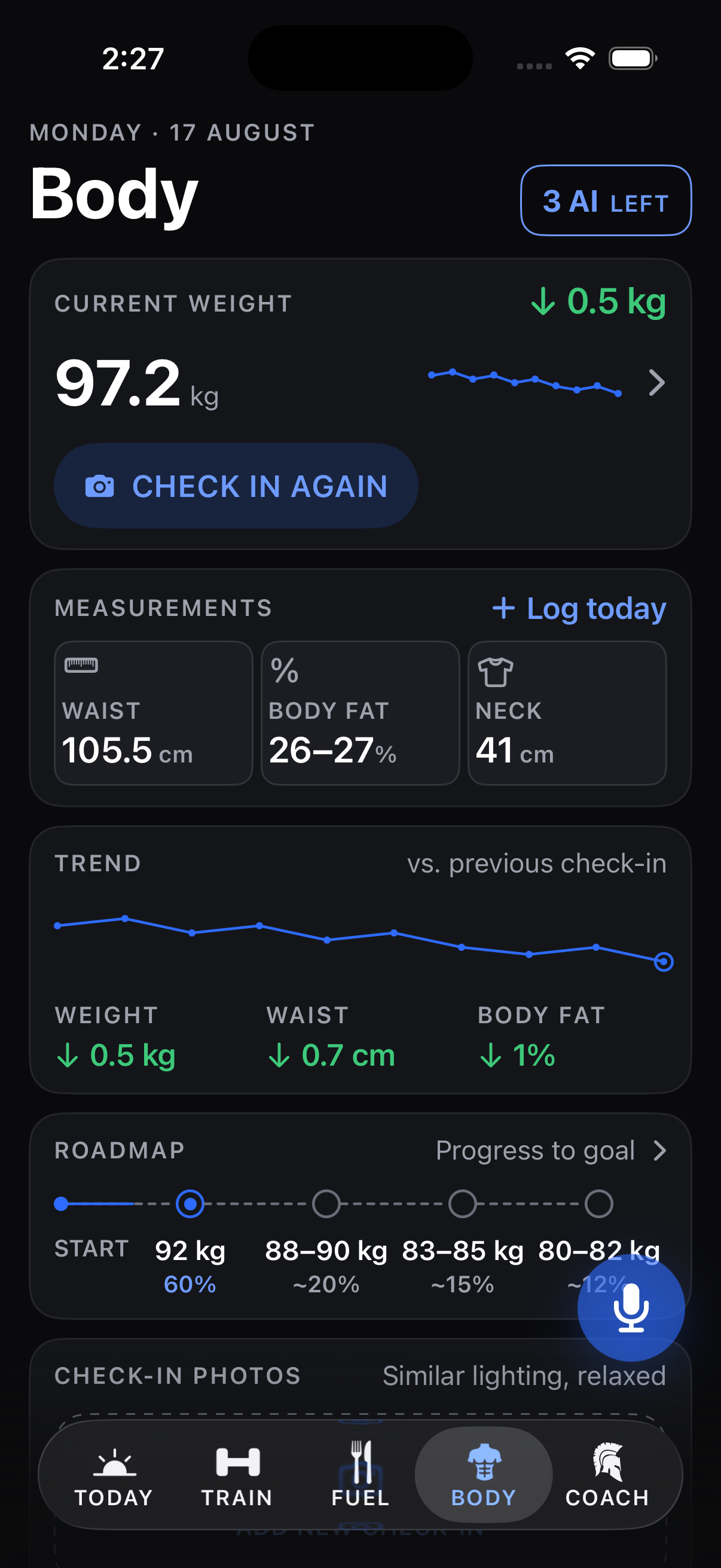
Weight and waist trended from day one. Body fat as a range, neck, and the roadmap to the goal.
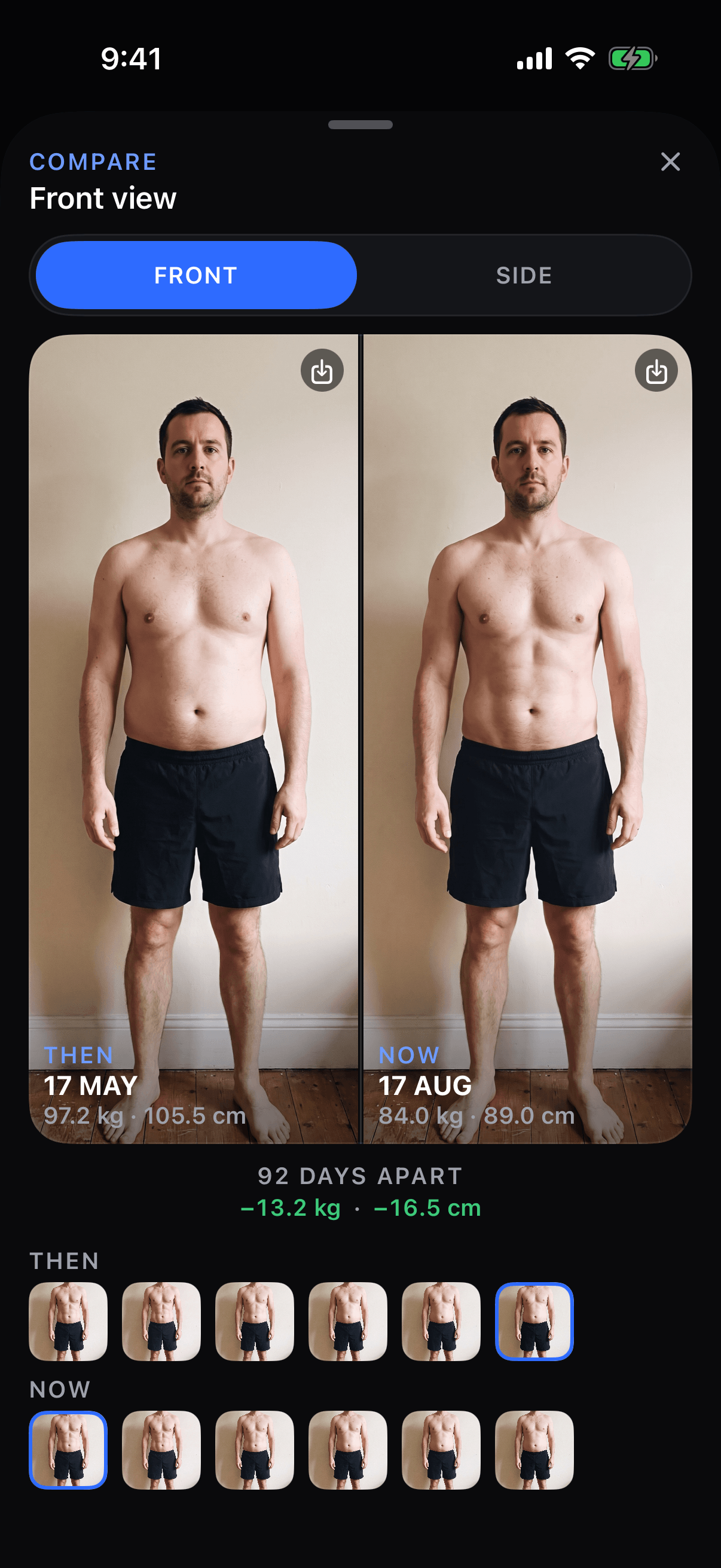
Weigh in when you like; the trend is what counts. Body fat is a range from the tape, because that is what a tape and a scale support. The roadmap marks the stops between today and the goal. A man who is thin with a soft middle gets a Recomp goal, building and leaning at once, instead of a cut. Check-in photos use a framing guide, so every one stands on the same mark. Compare puts any two side by side, front or side, with the weight and waist you stood at under each date and the move between them. Share puts a Compare, a weigh-in or the roadmap on a sticker for Instagram Stories.
Tell Achilles what happened.
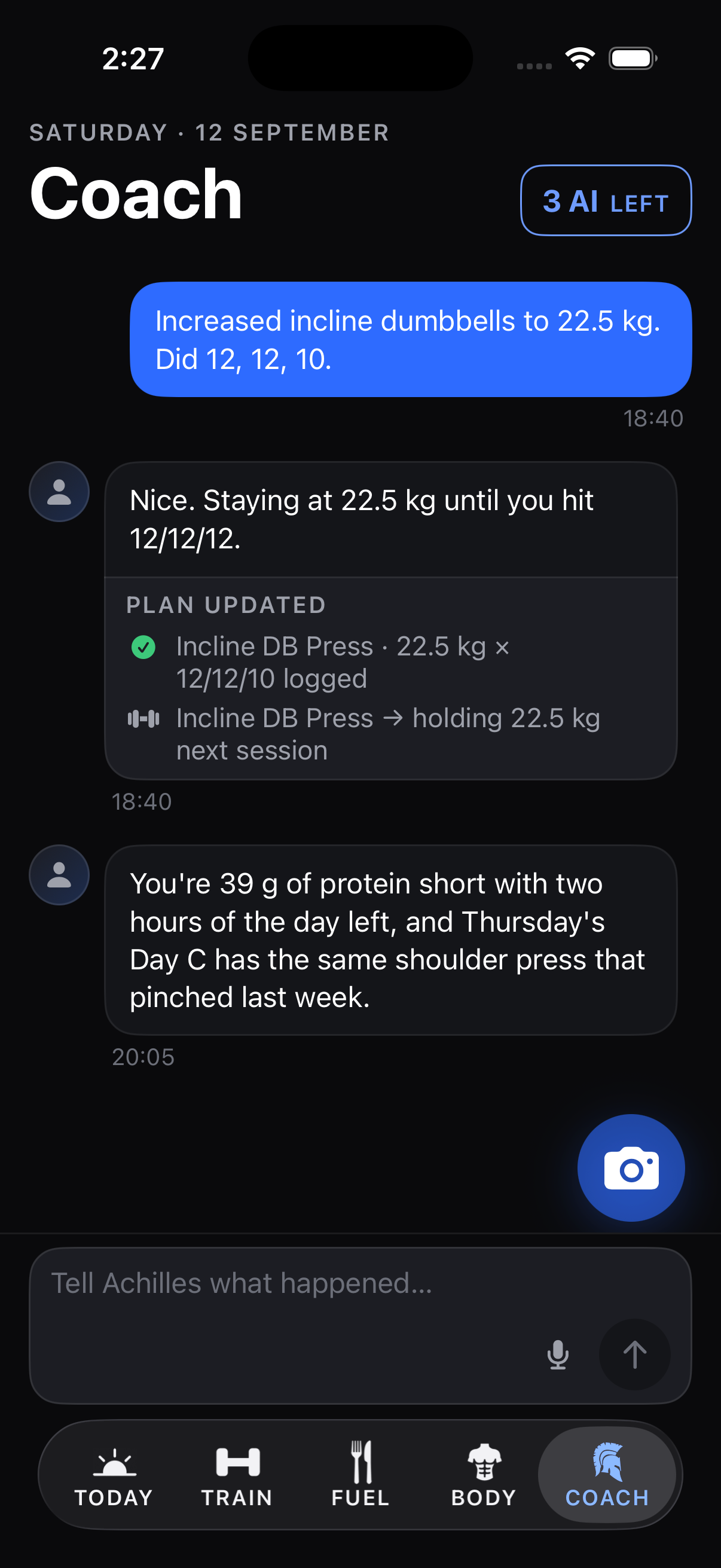
Chat, or hold the mic on the composer and talk. Achilles reads the whole day and writes the change into the plan.
“Increased incline dumbbells to 22.5 kg. Did 12, 12, 10.” The set is logged, the plan updated, the receipt shown. Photos go in the same thread. Achilles pushes back when the numbers say so. Voice is free and never metered. Pro makes the conversation unlimited and adds the written weekly review. With Connect, also Pro, Achilles and his tools work inside your own ChatGPT or Claude. Before anything of yours reaches an AI service, one screen names what is sent and who receives it, and asks. Every target the app sets cites its paper under Settings > Sources.
GREEKBODY